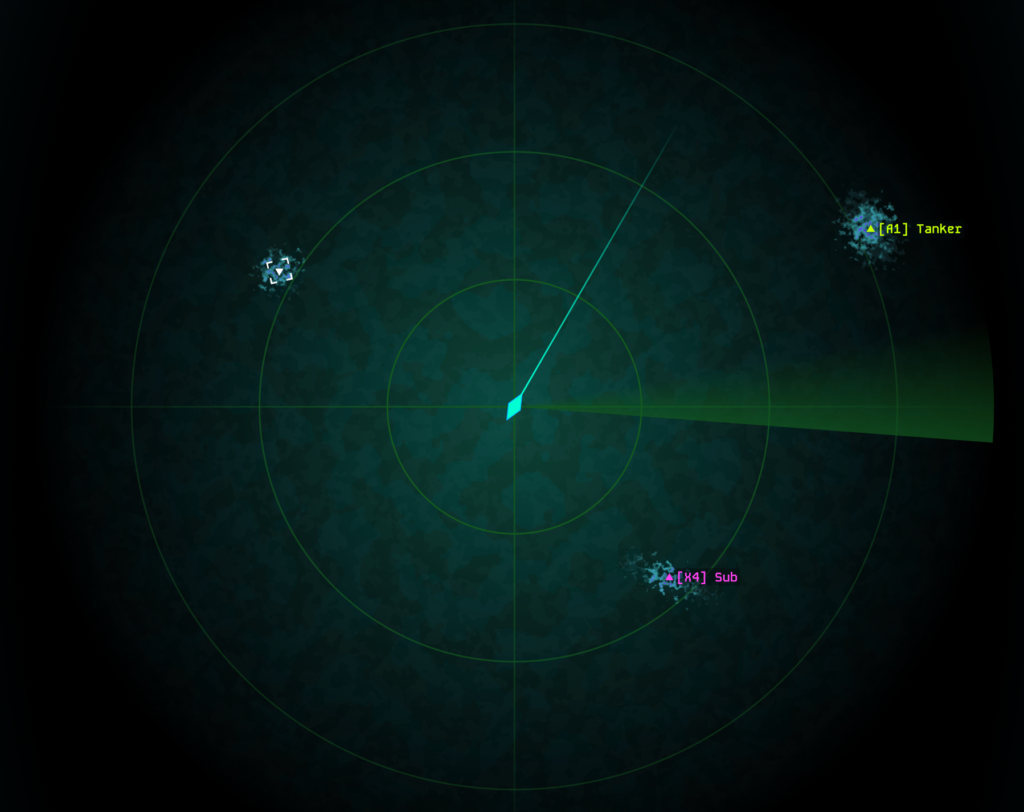
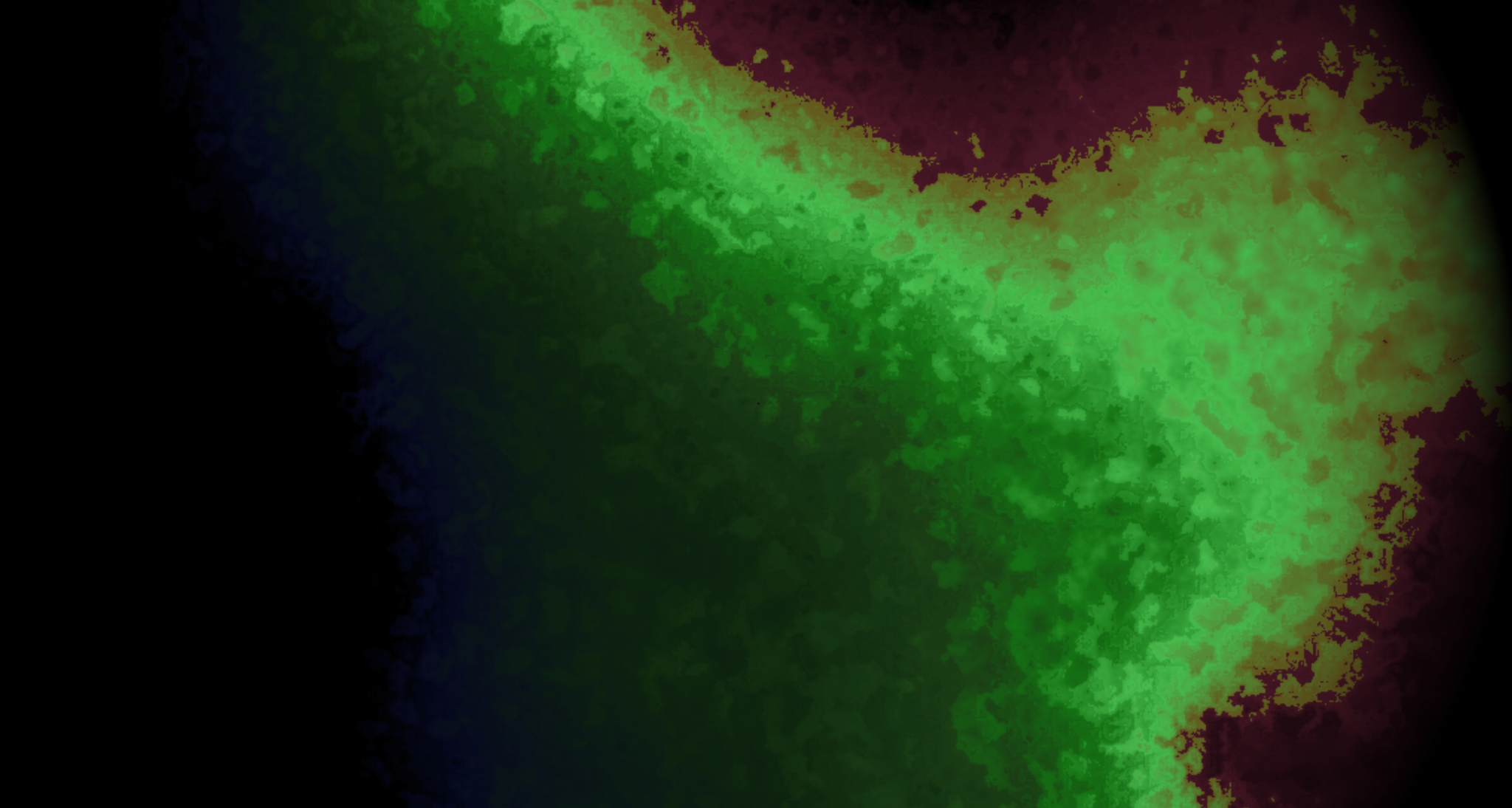
In the previous Dev Diary I detailed why I want to make a submarine game with a heavy focus on sonar. Now it’s time to create the sonar screen for the game. Let’s start with some visual requirements that I have for the sonar:
As a very first prototype I didn’t even use Unity (my game engine of choice) but wrote a python script to see whether the sonar effect in mind would even work, before beginning to write the actual sonar in a compute shader. One coding session later I had produced this:
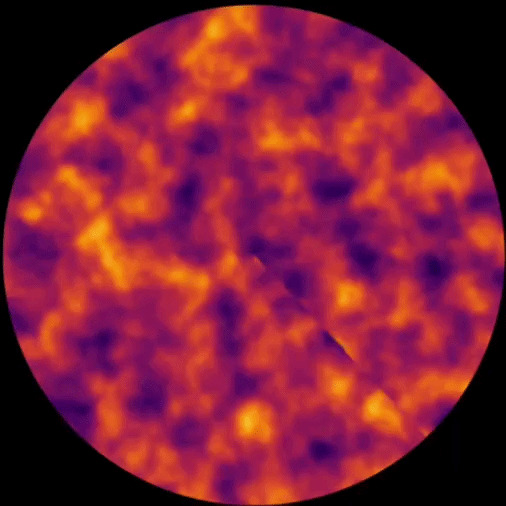
This prototype works by moving a 2D slice through 3D simplex noise to get a continuous change in the displayed 2D noise field. By only updating the pixels within a rotating wedge each frame, I get the sonar-like effect.
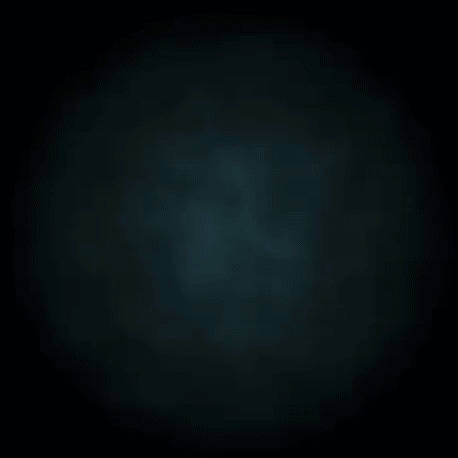
Changing the color gradient to something more ocean-like and adding a fade effect towards the edge of the sonar already made it have some of the desired mysterious feeling:
With this proof of concept done I felt confident that the whole sonar game idea was going to work. The next step was now to write the sonar as a compute shader in Unity. However, one thing that has often accelerated my development progress, is to first create a design template before doing anything graphical in Unity. Thus I took some time to make an actual design in Figma for how I roughly wanted the sonar to look. Figma’s noise and texture effect really saved me here and I managed to create something that I was actually quite happy with.